Free Apple TV app for Rock RMS churches
From Rock
to the room.
Ministry slides and videos from your church’s Rock, full screen on every Apple TV. Teachers pick their room and week. The remote does the rest.
How it works
Load once. Every screen is ready for Sunday.
Load a whole series once, and every Apple TV in your building shows the right slides and videos for this Sunday.
- 01
Load the series in Rock
Your team loads a series in one place in Rock: drop in images, videos, a PDF or a curriculum ZIP, and publish.
In Rock · Load Screens page - 02
Pick the room and week
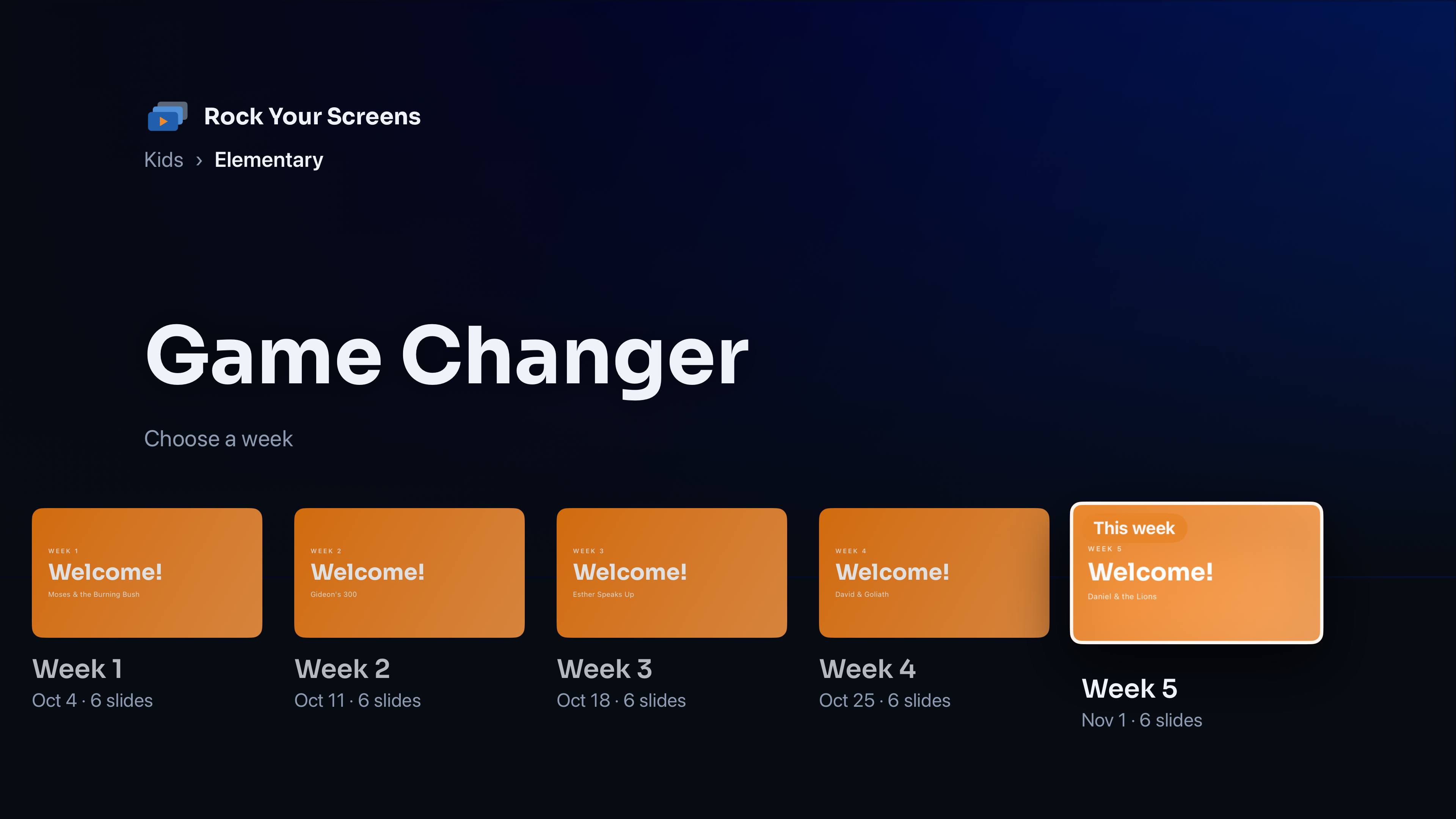
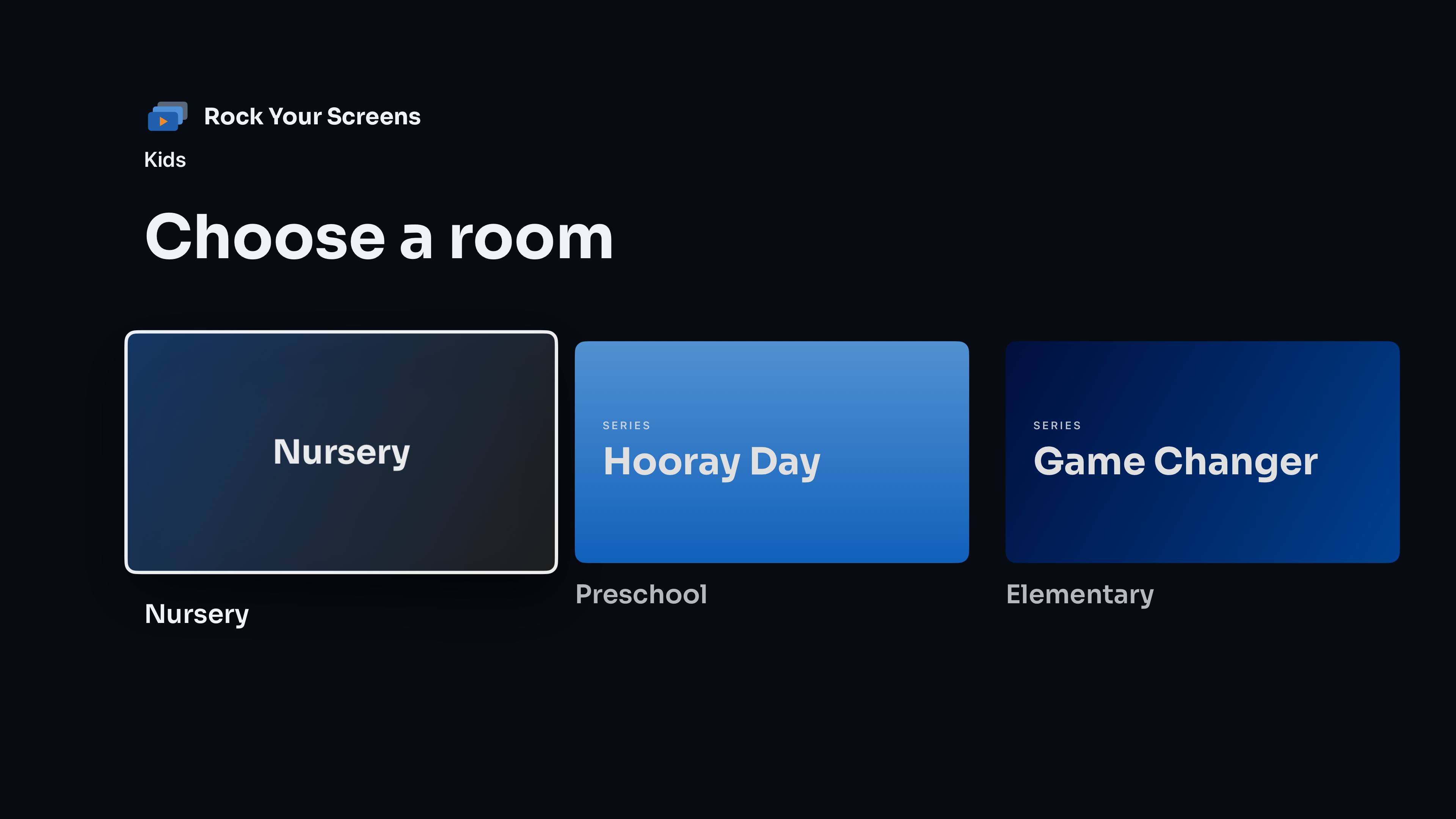
A teacher picks their ministry, room and week on the Apple TV. The current week is highlighted and ready to go.
On the Apple TV - 03
The remote does the rest
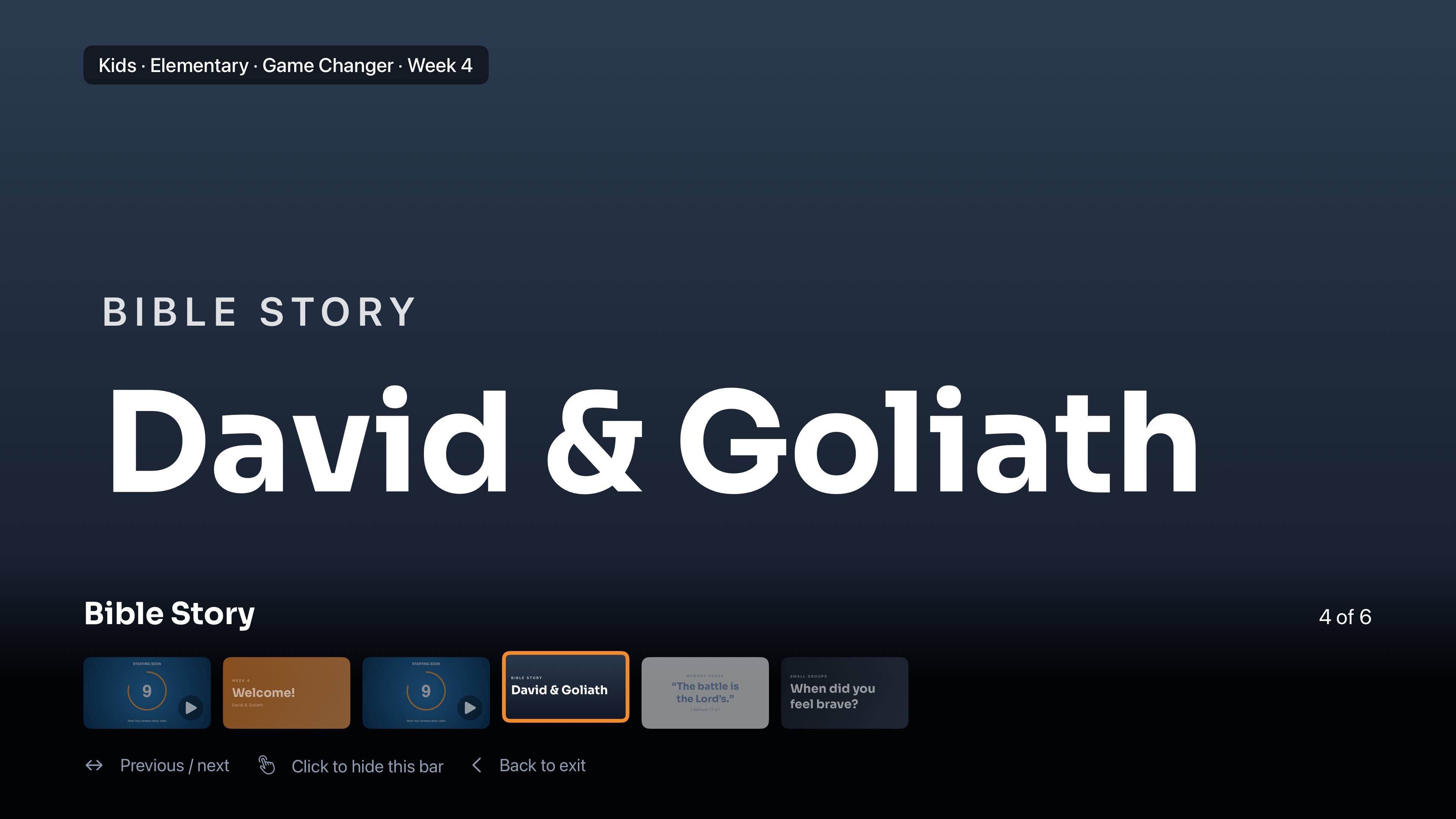
Swipe to change slides, press Play for videos, press Back when class is over.
Siri Remote
Built for Sunday morning
The lesson plays full screen, with nothing in the way.
- The current week is highlighted and ready to go.
- Large, clear text that’s readable from the back of the room.
- Videos wait for Play, so nothing starts before the room is ready. Or turn on autoplay.
- Optional auto-advance for lobby and welcome screens.
- The screen stays on while slides are showing.
Works the way your church is organized
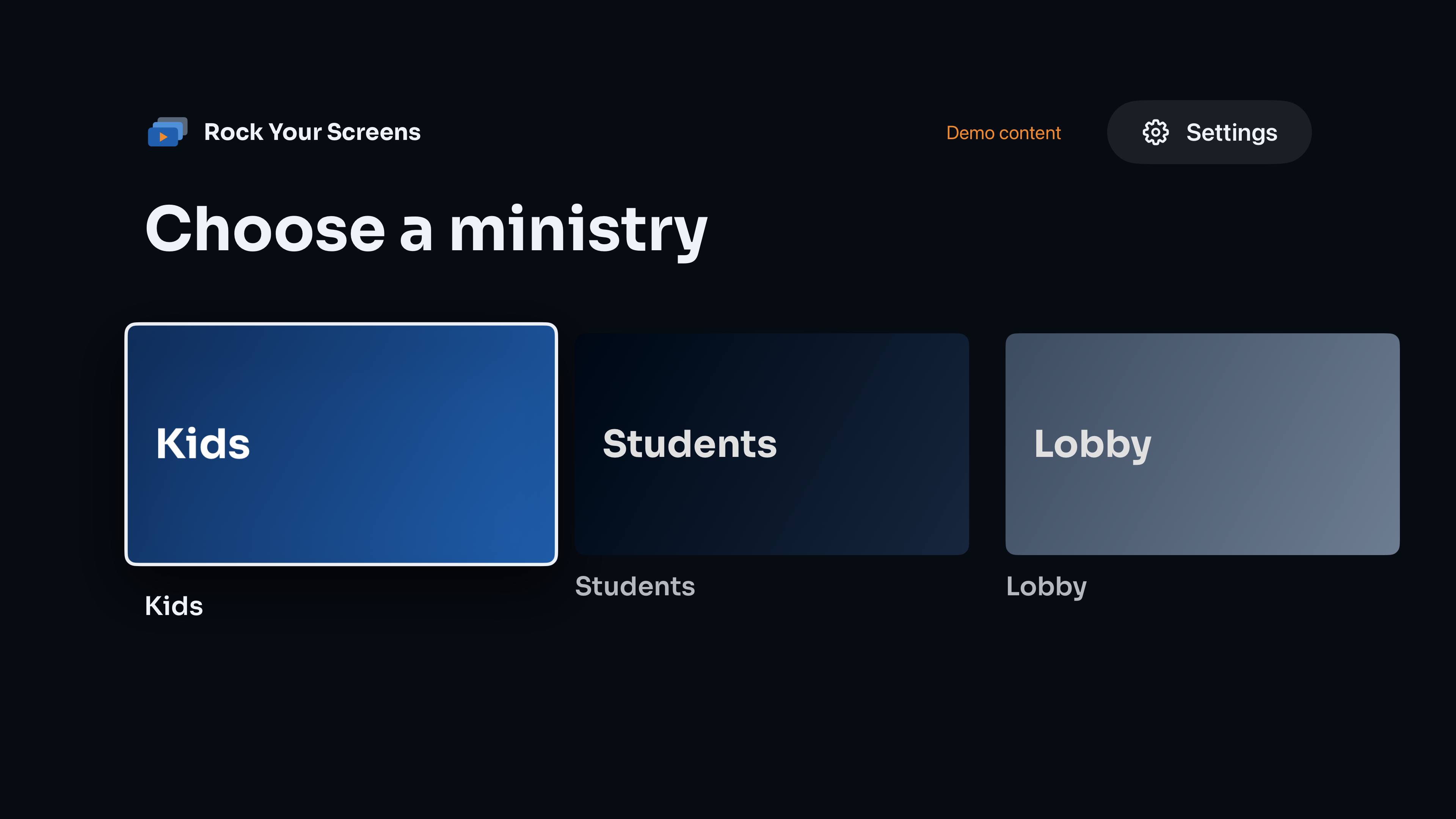
Ministries, rooms, series and weeks. Use the levels you need.
- Ministries, rooms, series and weeks: use the levels you need and skip the rest.
- Kids, students, adults and lobby screens all from one app.
- Rename levels in Rock (“Age Groups” instead of “Rooms”) and the TV follows.
Easy to load
One page in Rock for a whole series.
Your team loads a series in one place in Rock: drop in images, videos, a PDF from PowerPoint, Keynote, Canva or Google Slides, or a curriculum ZIP, and publish.
- JPG · PNG one slide each
- MP4 one video slide each
- PDF one slide per page
- ZIP unpacked in order
Your content stays yours
No accounts. No tracking. No ads.
Rock Your Screens never sees your content. It talks only to your church’s Rock and your church’s own storage.
From your own Rock and your own storage
Slide images live in your Rock. Videos live in your church’s own Cloudflare R2 bucket.
A read-only key
Nothing is ever changed in Rock from the Apple TV. The key is stored only on the Apple TV.
No servers in the middle
Betis Apps runs no servers for the app and collects no data.
Screenshots
On the big screen
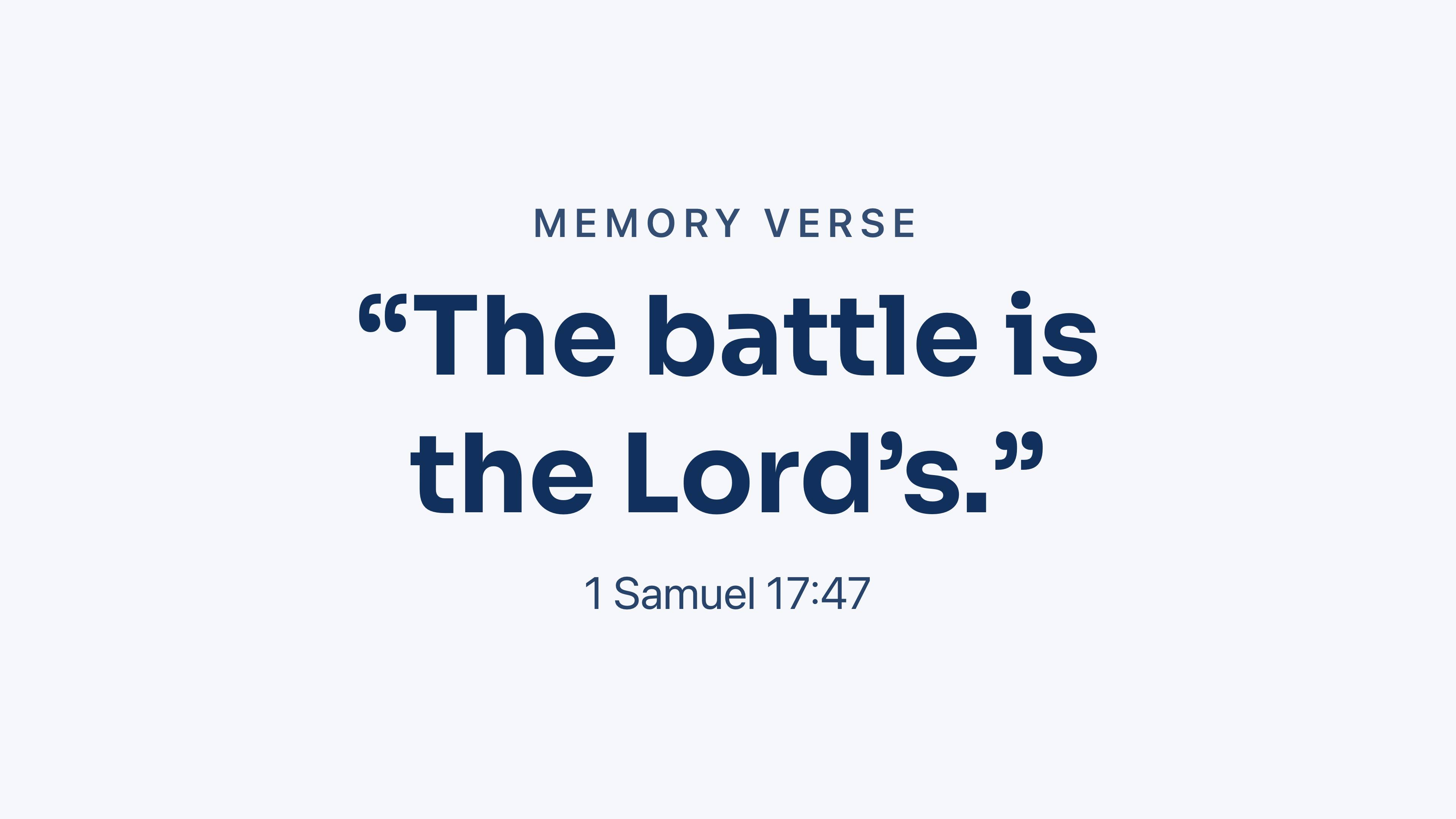
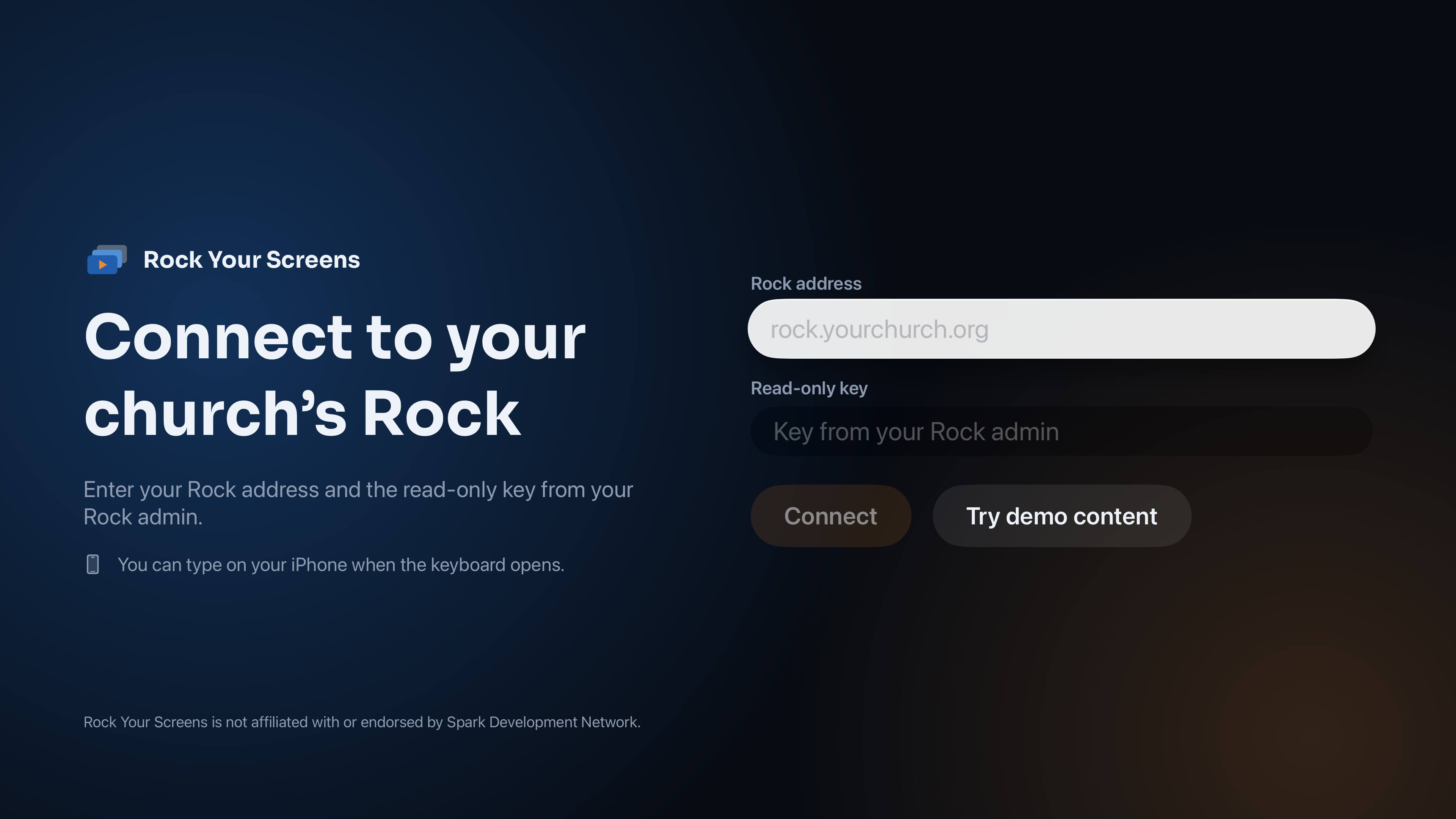
Real screens from the app on a 4K Apple TV. Try it right away with the built-in demo content. No Rock server needed.
Ready for Sunday?
Setup takes about an hour and only needs doing once. After that, your team loads each series from a single page in Rock.